
01
Quiet by default
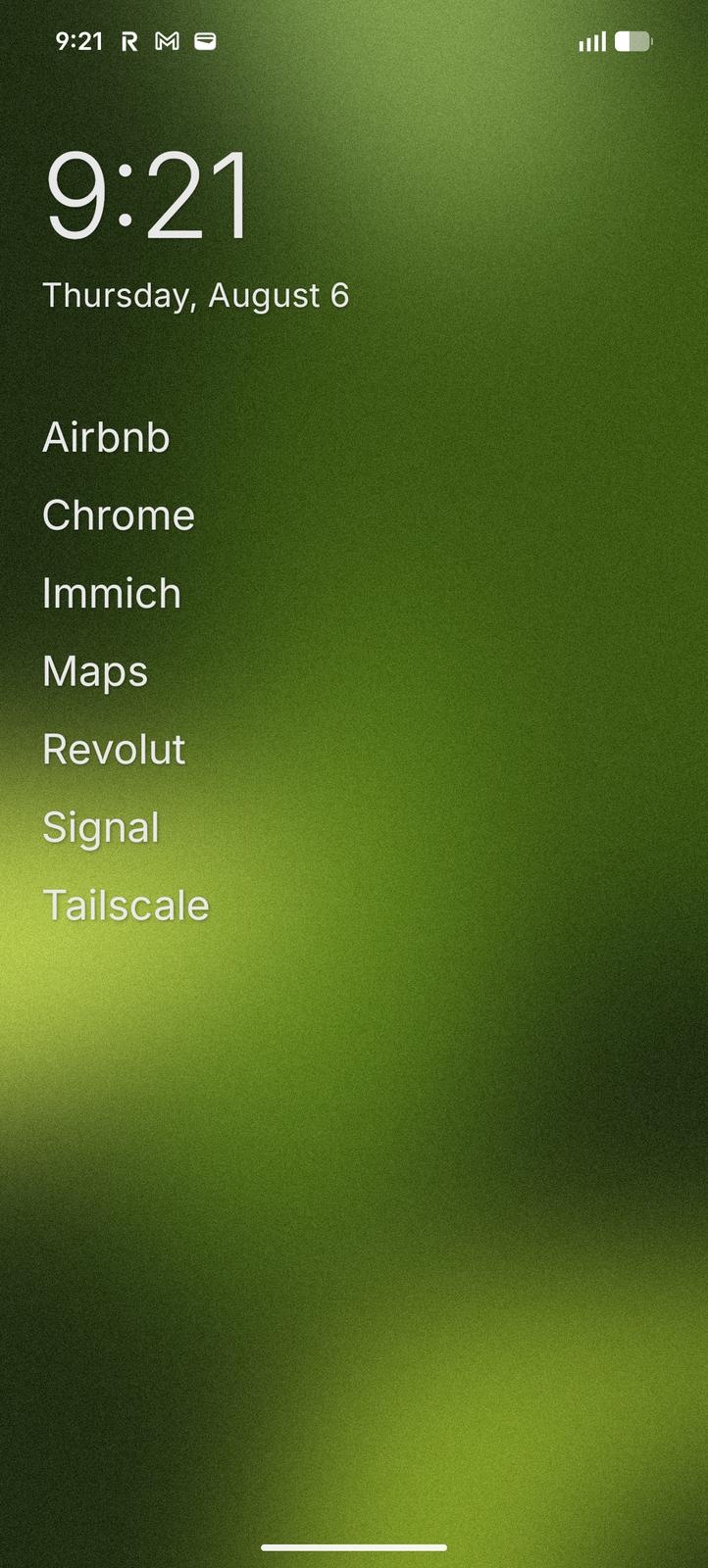
No icon grid, widgets, content feed, or visual clutter. The home screen contains only what you choose to keep there.

A minimalist, text-based Android launcher
No icon grids. No widgets. No feed. Just a clock, your favorite apps, and a searchable list of everything else.

* Closed beta
01 / The idea
It should not compete for your attention. It should not accumulate clutter. A launcher that keeps the home screen quiet:
a clock, the
apps you choose,
and everything else a search away.
02 / The essentials
A few primary principles.
01
No icon grid, widgets, content feed, or visual clutter. The home screen contains only what you choose to keep there.
02
Swipe to the drawer, start typing, and open an app. When one result remains, it launches immediately.
03
Rename apps, hide distractions, configure gestures, use your wallpaper, and adjust typography and theme.
03 / What remains
01
Get from an empty home screen to the app you need without searching through a grid.
02
Keep the home screen small without giving up control over your installed apps.
03
Make the quiet surface fit your phone, your wallpaper, and your eyes.
04 / Make it yours
The only setting that matters is choosing which app Android uses as Home.
Set Minimal Launcher as Home.
Settings → Apps → Default apps → Home app05 / The anti-launcher
Your phone should ask less of you. Not ask you to do less with it.
No recommendations competing with the apps you meant to open.
No panels or widgets asking to be checked before your day has started.
Just a quiet place to begin, with what you keep close and the rest a search away.
“The ability to simplify means
to eliminate the unnecessary
so that the necessary may speak.”
— Hans Hofmann